Introducing the Discover Tab: Find Authentic Content in Your Target Language
Discover authentic podcasts and articles in your target language with search, filters, and seamless import into Lingua Verbum.
We’ve always believed that language learning works best when it’s rooted in the real world — not just textbooks. That’s why we’re excited to announce our newest feature: the Discover tab, now available inside Lingua Verbum.
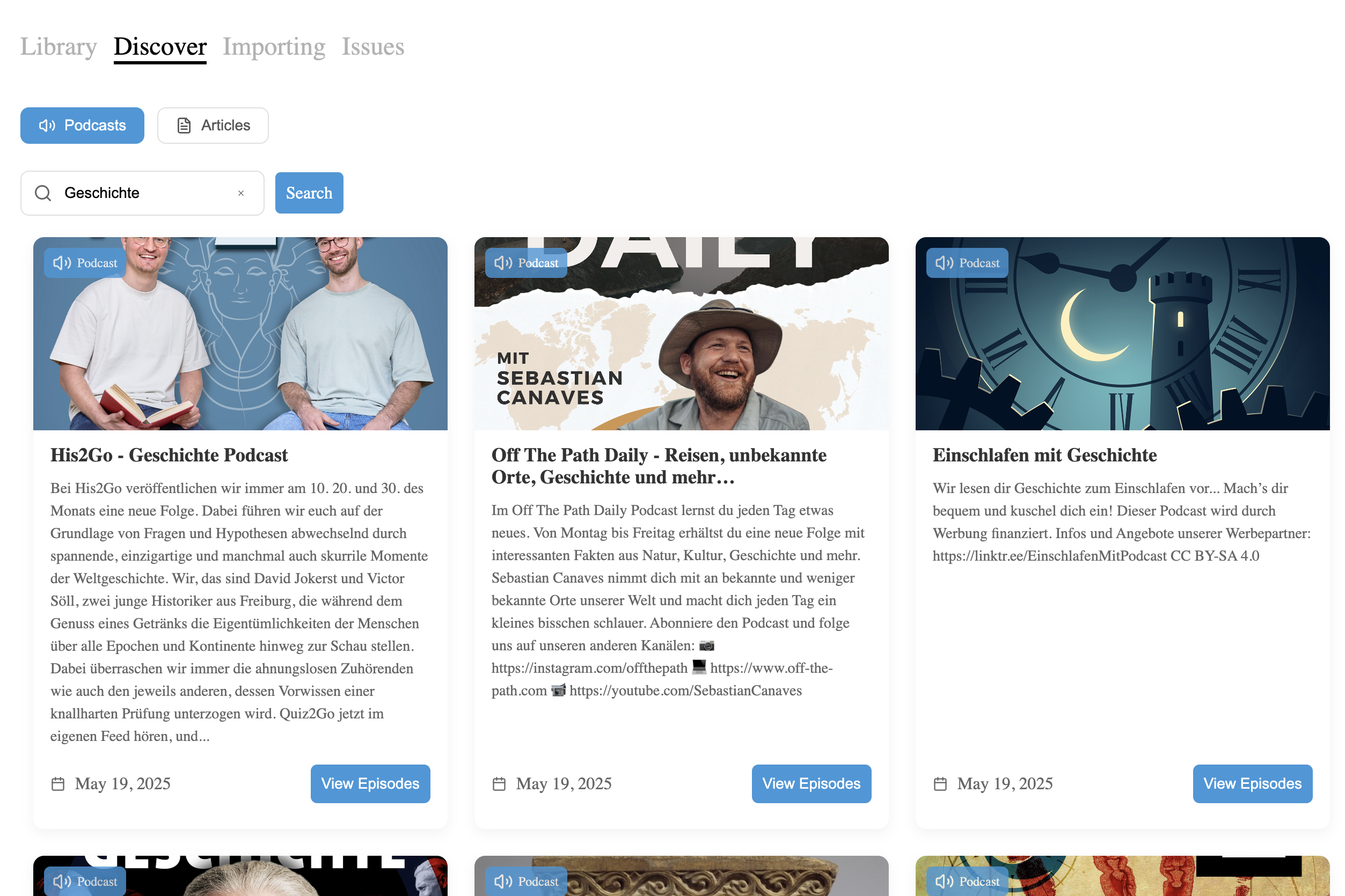
The Discover tab is your new home for authentic, native-language podcasts and articles from across the web — all curated, searchable, and tailored to your target language. Whether you’re studying Spanish, French, Japanese, or any of our 63+ supported languages, you can now explore real content with just a few clicks.
Why We Built It
For many learners, the hardest part isn’t wanting to immerse in their target language — it’s finding quality material. You might spend 20 minutes scrolling through podcast apps, only to end up listening to a news segment you don’t understand.
The Discover tab solves that by bringing the content to you. Search by topic (“sports,” “politics,” “relationships”), filter by type (podcasts or articles), and start reading or listening right away. We do the heavy lifting: crawling the web, cleaning up the metadata, and organizing everything by language.
What You’ll Find
Podcasts
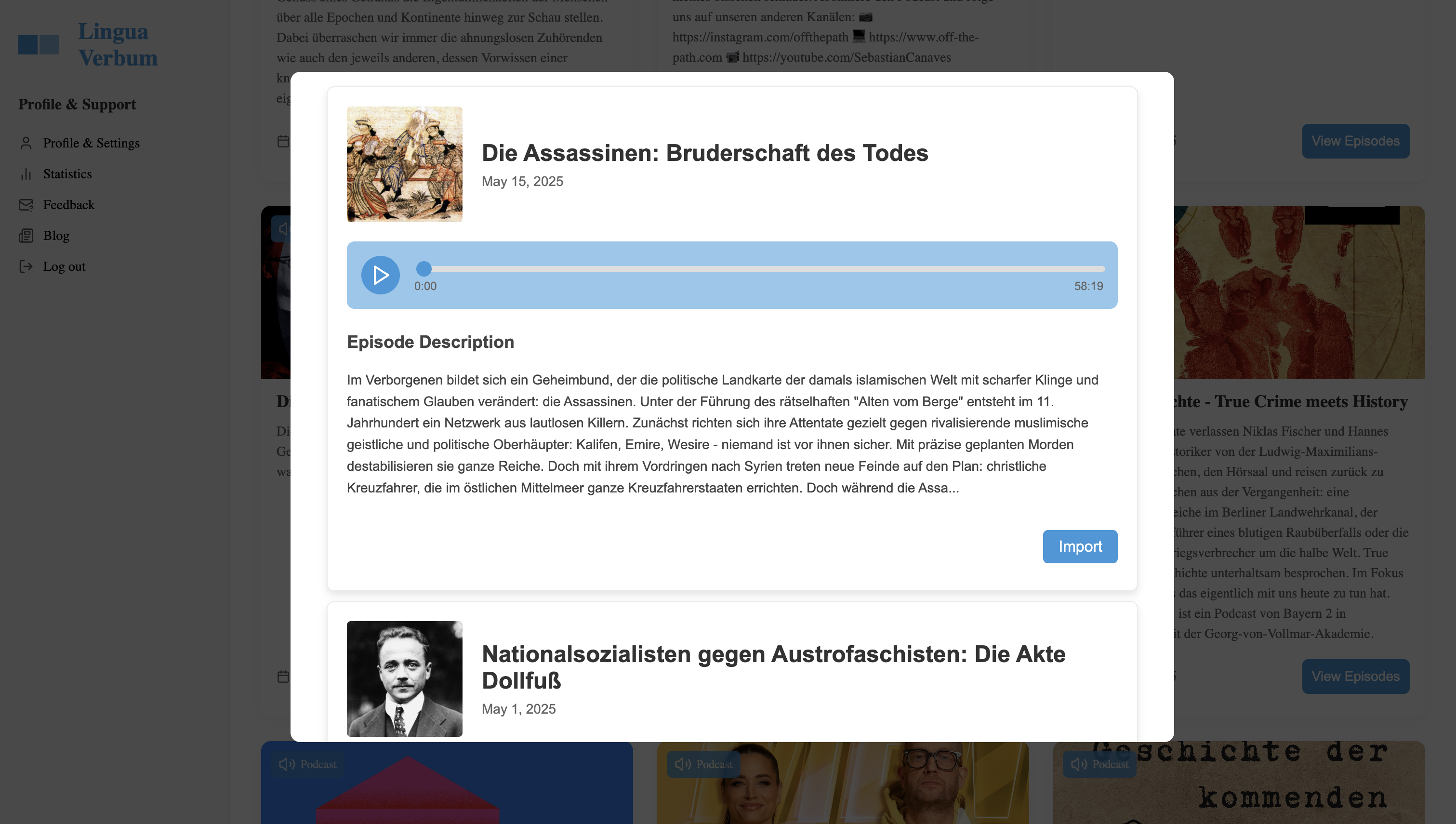
We surface native podcasts, complete with episode lists and audio playback. Find a show you like? You can even import episodes directly into Lingua Verbum and begin learning from them immediately.
Articles
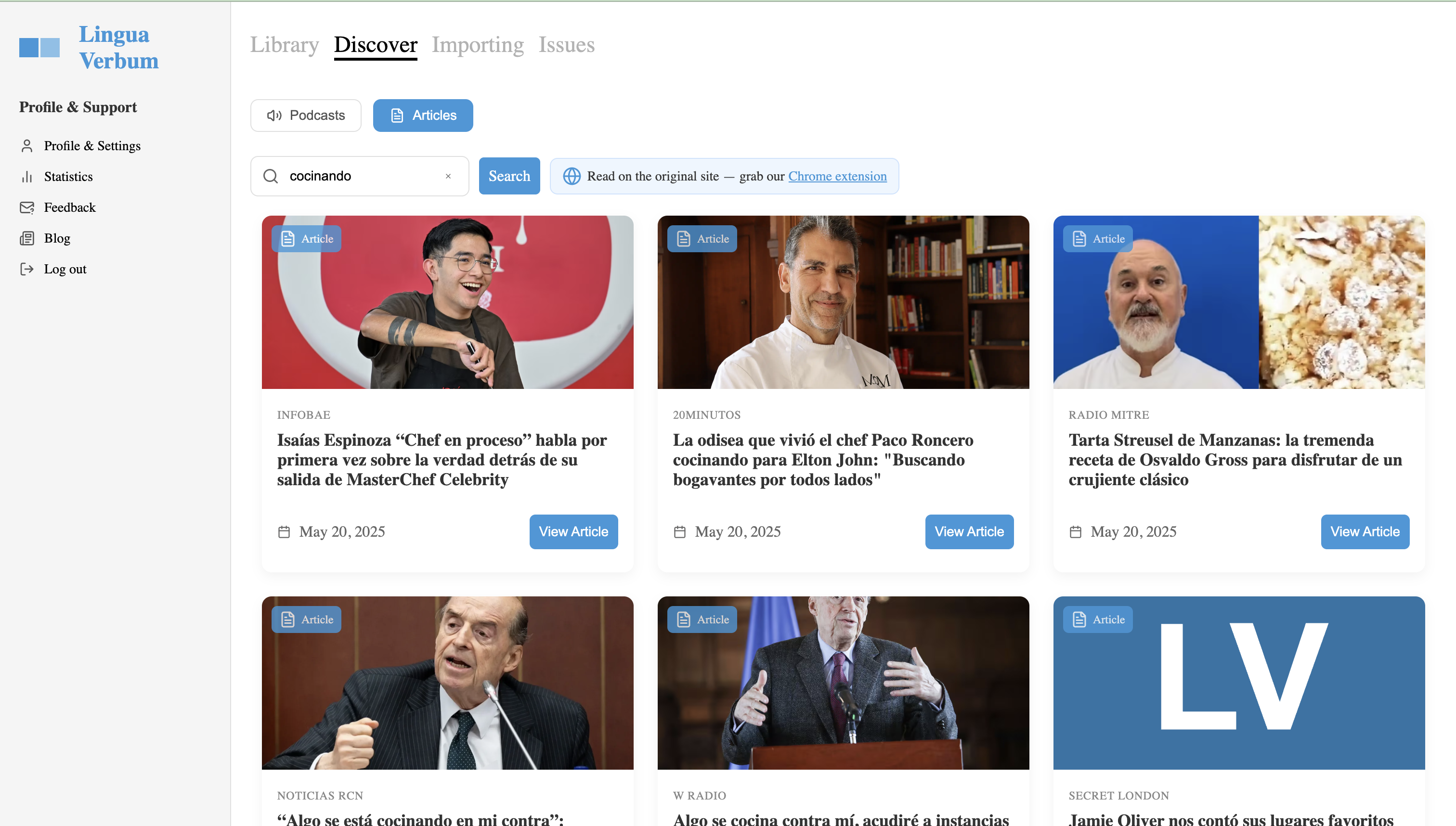
Our system taps into global news sources and blog feeds to deliver fresh, real-world content in your target language. Click through to read on the original site and install our Chrome extension to track vocabulary and use the AI assistant on any page.
Designed for Learners
Every piece of content in the Discover tab is designed to be actionable. When you open a podcast, you’ll see a list of episodes, full descriptions, and an audio player with progress tracking. When you open an article, you’ll see the source, date, and a direct link to the original site.
It’s not just about passive exposure — it’s about integrated, intentional practice.
Under the Hood
We built the Discover tab using a mix of API integrations and our own data pipeline. For podcasts, we fetch data from curated sources and display them via a new in-app player. For articles, we use Google News feeds, parsing out relevant stories and cleaning up titles and images automatically. Each item is displayed with source metadata, dates, and links — so you always know what you’re getting. Simply search by keywords to get results!
Try It Out Today
Head to the Lingua Verbum app and click on the Discover tab to get started. Type in a topic like “sports” or “history” in your target language (e.g., “geschichte” for German history podcasts/articles), and see what you find. Better yet, try importing a podcast episode — you’ll be amazed at how easy it is to turn real-world content into a learning experience.
If you haven’t already, install our Chrome extension to turn every article into a learning opportunity.
We’re Just Getting Started
This is the first step toward making Lingua Verbum not just a tool for vocabulary tracking — but a true language learning hub. More content types, better search tools, and deeper integrations are coming soon.
We’d love to hear your feedback. What kinds of content do you want more of? Drop us some feedback in the app.
Happy exploring,
The Lingua Verbum Team